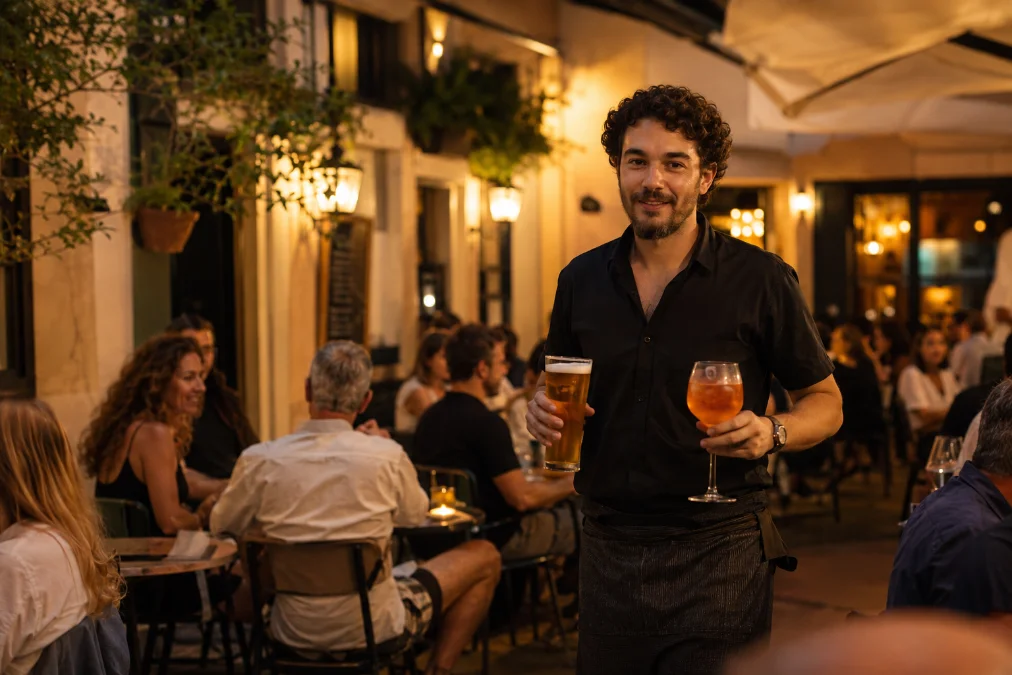
Friday · 9:30 PMSound familiar?
The terrace is full and both waiters are inside. Table 12 has had a hand half up for a while.
In the end they shrug and ask for the bill. The next table has been waiting twenty minutes for theirs, and wants to split it five ways.
That could have been two more rounds and a table free half an hour earlier.
From a photo of your menu to the first order
Take a photo of your menu.
With your phone, just as it is.
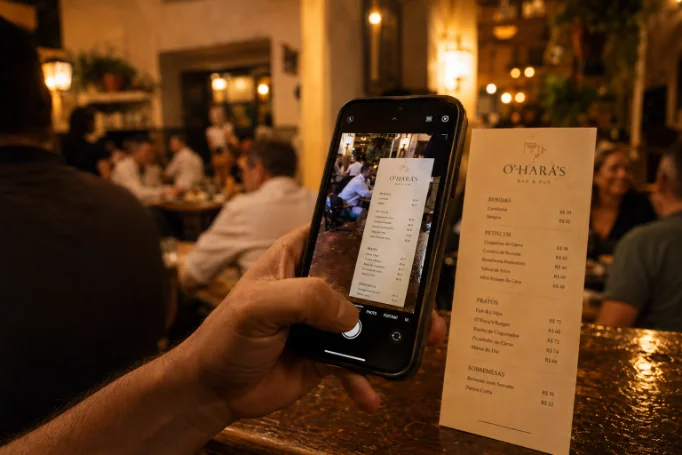
Check what the AI picked up.
Fix dishes and prices in two clicks.
Set your zone and tables.
Terrace, bar or dining room; expand anytime.
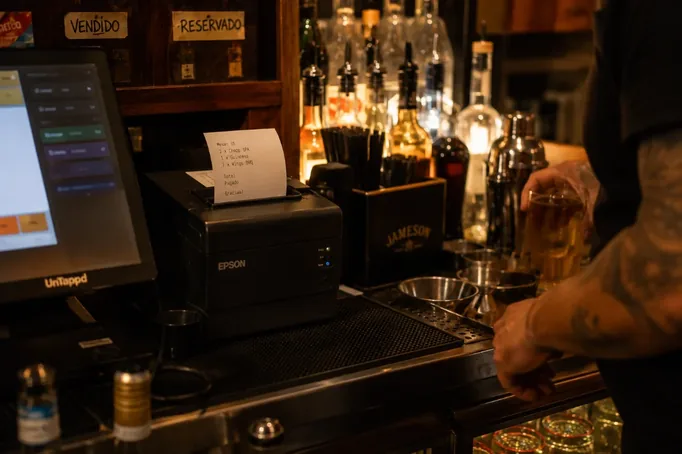
Connect the printer you already have.
Works with your usual thermal printers.
Put out the QR or NFC codes.
They come in your kit.
Start receiving orders that are already paid.
Setup takes about five minutes once your menu is uploaded. Your till stays where it is.
Your bar keeps working the same way
BarLink runs as a separate channel alongside your till, with every order paid upfront. Your end-of-day count works exactly as it does now.
Waiters serve and look after guests; they skip the queue at the till. And any guest who’d rather order from a waiter still does, the way they always have.
What changes at your peak hour
Second rounds come in on their own
Guests order from the table whenever they feel like it, without scanning the room for a waiter.
Tables turn faster
Every order arrives already paid, so guests get up when they want to.
Everyone pays their own share
Each guest pays their part from their phone, and the till adds up by itself.
Your team can breathe
The same waiters cover more tables with less pressure.
How the money moves
Every order is paid before it reaches the kitchen. Payments are processed by Stripe: card, Bizum, Apple Pay or Google Pay.
Guests scan the QR and order from their phone’s browser, with nothing to download.
Refunds, full or partial, take a couple of taps. If a full order is refunded, the usage fee goes back with it.
And if one month you decide to stop, you switch it off whenever you like: there’s no lock-in.
What it costs, all on the table
BARLINK · TERMS
1.5% + €0.25
per order
Your menu prices stay the same, guests see the fee before they pay and, if a full order is refunded, the fee goes back too. That’s all of it.
FAQ
No. BarLink prints on your existing thermal printers through a small agent on your computer. If yours is compatible, there’s nothing to buy.
No. BarLink runs as a separate channel with prepaid orders. Your till and your end-of-day count stay the same.
No. Start with 10 tables, your terrace or the whole venue, you decide. Expanding is free, and tables without a code work as they always have.
Mark it sold out in one tap. If an order was already placed, the waiter offers an alternative or you issue a refund from BarLink.
Your menu price plus the BarLink usage fee: €0.10 per order, on its own line before confirming.
No monthly fee and no BarLink commission. Only the standard Stripe fee (EEA cards: 1.5% + €0.25).
No. They scan the QR and order from their phone’s browser. Same for your regulars and for visitors.
They can, as always. BarLink adds a fast way to order and pay; traditional service stays exactly where it is.
Yes. Switch it off whenever you like and your bar is as it was. No lock-in, no penalties.
Try it where you decide. Free.
Choose your starter kit: 10 tables, your terrace or another zone, or your whole bar if you’re already sure. We’ll prepare the QR/NFC codes and walk you through the launch.
Expanding later is free. And if it doesn’t fit your bar, switch it off whenever you like.
Request sent
We’ll get back to you within 1–2 working days using the contact you left, and set up your menu and table codes with you. Nothing else to do on your side.
Don’t want to wait? Call us: +34 678 60 75 06.